


AR Smart Glasses For Industrial Remote Assistance: Features And Benefits
Views: 0 Author: Site Editor Publish Time: 2026-05-23 Origin: Site


Industrial wearables have fundamentally shifted from experimental pilot programs to mission-critical deployments. Severe skilled labor shortages and rising equipment complexity drive this rapid transformation. Plant managers can no longer rely on traditional paper manuals or flying experts across the globe. You need immediate, hands-free solutions right on the factory floor. This article evaluates industrial-grade AR smart glasses strictly through the lens of operational ROI, safety compliance, and remote support viability. We will explore how hardware choices directly impact environmental resilience and workflow efficiency. You will learn how to match specific hardware capabilities to strict environmental constraints. Successful adoption relies entirely on solving real operational problems rather than simply pursuing technological novelty.
Key Takeaways
Hardware durability over immersion: True industrial environments require ruggedized, safety-compliant devices (e.g., IP67, ATEX), often favoring monocular assisted-reality over fully immersive VR/AR headsets.
Quantifiable ROI: Deploying remote assistance glasses directly impacts the bottom line by reducing expert travel costs, cutting downtime, and accelerating troubleshooting by up to 30-40%.
Hands-free mandate: Effective industrial AR glasses must feature robust voice control (functional in 95dB+ noise environments) to ensure worker safety during complex manual tasks.
Ecosystem integration: The best hardware is useless without seamless integration into existing CMMS, standard collaboration tools (Teams, Zoom), and enterprise security protocols.
Evaluating the Business Case for Remote Assistance Glasses
We must initially frame the primary business driver for these tools as seamless knowledge distribution. A single remote expert can easily support multiple global sites simultaneously. This capability drastically reduces the need to fly specialists across the country to fix complex machinery. Travel expenses drop immediately, and you resolve critical issues much faster.
Industry data proves this value conclusively. Deploying wearable devices accelerates troubleshooting significantly. IDC and Deloitte baselines indicate 30-40% faster resolution times across manufacturing sectors. Facilities also routinely see a 25% reduction in overall equipment downtime. These massive gains stem directly from "see-what-I-see" real-time video feeds. Experts guide local workers step-by-step without ever leaving their central office.
Accelerating on-the-job training presents another massive financial benefit for growing enterprises. First-person point-of-view (POV) recording captures expert workflows perfectly for future use. Interactive schematic overlays guide new hires directly through unfamiliar processes. Logistics case studies routinely show 50-70% reductions in training cycles. New employees reach full productivity much sooner, reducing the burden on senior staff.
You must consider the high cost of inaction versus the cost of adoption. Emergency site visits consume massive departmental budgets. Compliance failures trigger steep regulatory fines and severe reputational damage. Contrast these ongoing financial risks against the upfront capital expenditure of deploying a wearable AR device fleet. The initial hardware investment typically pays for itself after preventing just one or two major downtime events on a critical production line.
Consumer vs. Industrial AR: The Safety and Environment Gap
Consumer headsets like the Meta Quest or Apple Vision Pro pose severe dangers on the active factory floor. They create a dangerous blind spot risk for the user. Standard VR devices isolate users completely from their physical surroundings. Industrial workers must always maintain unobstructed peripheral vision. They need constant situational awareness to operate heavy machinery safely and avoid workplace collisions.
Environmental resilience separates consumer toys from serious industrial tools. Baseline requirements demand high dust, water, and drop resistance. Indoor cleanrooms have vastly different needs than harsh outdoor field service environments. You must look for rigorous IP ratings.
IP66 Ratings: Offer protection against heavy seas or powerful jets of water.
IP67 Ratings: Allow the device to withstand temporary submersion in water.
Temperature Tolerance: Devices must function in extreme operating temperatures ranging from -20°C to +50°C.
Drop Resistance: Hardware must survive standard 2-meter drops onto concrete floors.
Hazardous area compliance stands as a strict non-negotiable requirement for many sectors. Oil, gas, and chemical plants require intrinsically safe devices to prevent catastrophic accidents. ATEX or IECEx certifications guarantee the hardware will never ignite flammable gases or combustible dust. Ex-certified glasses carry a notably higher price point. However, they remain absolutely mandatory for any explosive environments.
Finally, you must closely evaluate personal protective equipment (PPE) compatibility. Hardware must integrate seamlessly alongside your standard safety gear. Workers will wear hard hats, heavy safety goggles, and thick ear protection. The AR device cannot cause ergonomic strain under these conditions. It must attach securely via dedicated clips without compromising any existing safety certifications.
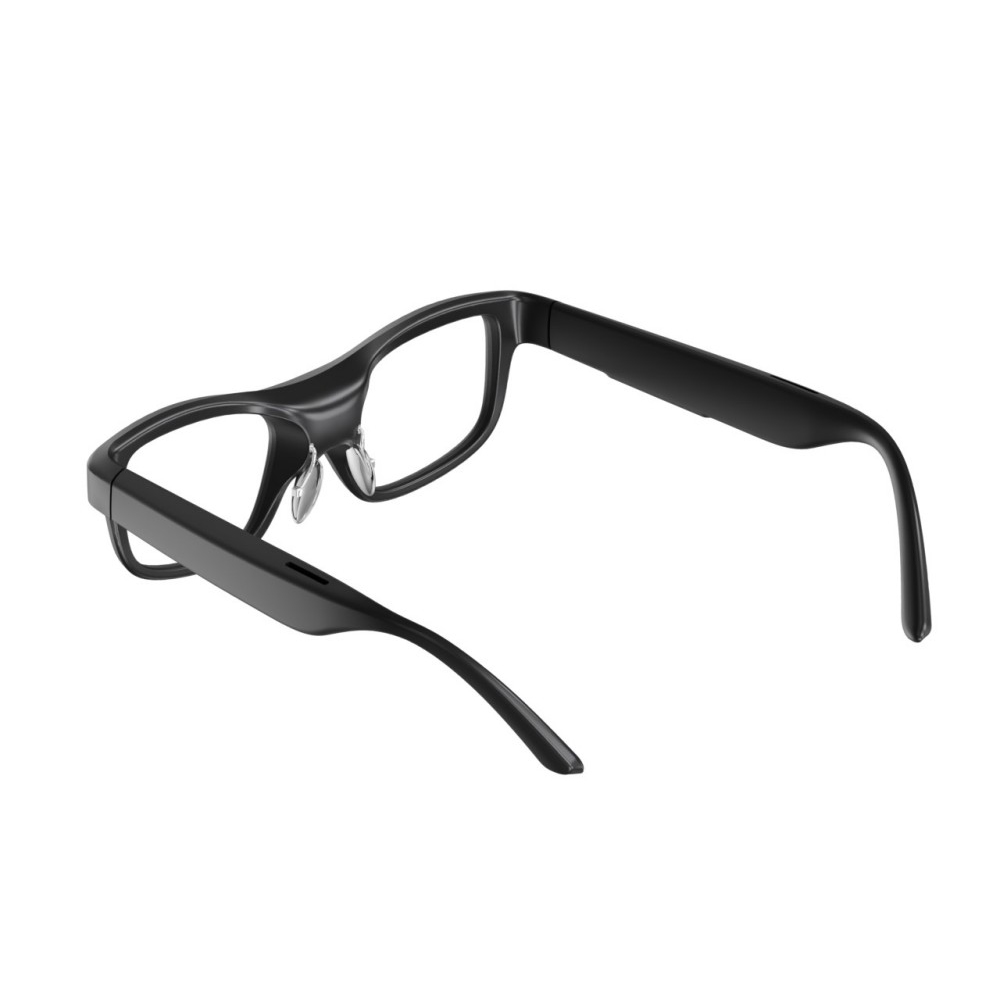
Core Features to Assess in a Smart AR Display
First, evaluate the core display architecture. You must make a definitive choice between monocular and binocular designs.
Comparison of Monocular vs. Binocular Display Architectures | ||
Feature | Monocular (Assisted Reality) | Binocular (Mixed Reality) |
|---|---|---|
Design Approach | 2D micro-display positioned right at the edge of vision | 3D spatial anchoring displayed across both eyes |
Best Use Case | Data retrieval, standard remote support, inspections | Complex BIM overlays, intricate design reviews |
Ergonomics | Low-fatigue, lightweight (ideally sub-300g) | Often heavier, can cause moderate eye strain over time |
Ruggedness | Highly durable, excellent drop-resistance | More fragile, less suited for harsh outdoor environments |
Monocular devices provide an assisted reality experience. A 2D micro-display sits just outside the direct line of sight. Workers glance quickly at it when needed. This approach is best for low-fatigue, shift-long data retrieval. Binocular devices offer full mixed reality. They enable advanced 3D spatial anchoring, similar to the Microsoft HoloLens 2. You need this specifically for complex Building Information Modeling (BIM) overlays. However, these headsets are generally much heavier and notably less rugged.
Acoustic performance dictates your hands-free operation success. Advanced noise-cancellation arrays are absolutely critical for industrial deployments. The device must accurately register quiet voice commands in extreme conditions. Factory floors routinely exceed 95 decibels of intense background noise. Workers must never need to use their hands to navigate complex software menus. Reliable voice control ensures maximum physical safety during hazardous tasks.
Power management and shift ergonomics define daily usability for your workforce. Evaluate the strict battery realities of any smart AR display before purchasing. We recommend devices featuring hot-swappable battery configurations. These systems easily support continuous 8-12 hour shifts without annoying interruptions. Keep head-mounted weight strictly under ergonomic limits. Ideally, monocular designs should stay under 300 grams to prevent serious neck strain over long shifts.
Camera and vision sensors go far beyond standard megapixel counts. High resolution matters, but other features prove much more vital in practice. Demand fast auto-focus and excellent low-light performance. Built-in flashlights easily illuminate dark electrical cabinets. Modular thermal imaging options allow technicians to conduct highly accurate remote inspections. They can spot overheating internal components long before a critical failure occurs.
Mapping Hardware to Core Remote Support Workflows
We can map these specific hardware capabilities directly to core remote support workflows. Let us explore three primary scenarios where this technology shines.
Real-Time Expert Diagnostics
An off-site engineer connects instantly to the local field technician. The expert views the crisp live feed directly from the worker's perspective. They utilize digital laser pointers to highlight specific faulty components. The expert can easily freeze frames to draw bright annotations. These annotations appear directly onto the worker's field of view. This precise visual guidance eliminates dangerous guesswork during critical electrical or mechanical repairs.
Digital Walkthroughs and Compliance Audits
Quality inspectors ditch physical paper clipboards entirely. They use voice-activated commands to execute their daily duties quickly. Workers take high-resolution photos and record tiny serial numbers completely hands-free. The software automatically generates detailed compliance logs containing precise GPS and time stamps. This automated documentation ensures strict regulatory adherence and saves countless hours of tedious administrative data entry.
Step-by-Step Maintenance Assistance
Visual workflows safely guide inexperienced technicians through highly complex machine teardowns. The display shows exact diagrams for each specific phase of the process. We strongly emphasize utilizing "confirmation technologies" during these delicate workflows. Workers use Bluetooth ring barcode scanners to verify correct replacement parts. They use audible voice confirmation to validate step completion. The system physically prevents them from proceeding until they verify the current step. This process drastically reduces expensive human error.
Implementation: Shortlisting and Ecosystem Integration
Hardware alone cannot solve your complex operational challenges. You must integrate these devices properly into your wider IT ecosystem.
Software compatibility largely determines long-term deployment success. Warn your IT teams strongly against hardware-locked silos. You should evaluate glasses based strictly on out-of-the-box compatibility. They must work seamlessly alongside your ubiquitous communication platforms. Microsoft Teams, TeamViewer Frontline, and Zoom for Industry are basic standard requirements. Specialized Push-to-Talk (PTT) applications also require native hardware support for quick team communication.
Address your network and connectivity realities very early in the process. Remote support glasses depend entirely on solid data infrastructure. Outline your realistic options for Wi-Fi and 4G/LTE/5G capabilities. Many heavy industrial environments suffer from notoriously spotty cellular coverage. Underground mining operations or remote construction sites need robust offline mode functionalities. Workers must access downloaded schematics even when their internet connection drops completely.
Fleet management and security demand serious attention from your IT department. Enterprise deployment requires strict Mobile Device Management (MDM) integration. Secure data transmission protocols protect your sensitive intellectual property from interception. You must also secure aggressive global replacement SLAs from the hardware vendor. If a device breaks in the field, you need a replacement shipped immediately to minimize disruption.
Follow a strict, phased pilot strategy for your initial deployment:
Identify a single, high-pain-point use case where expert travel costs are currently exorbitant.
Deploy the selected devices specifically for remote OEM support on a critical, high-value assembly line.
Measure the exact reduction in equipment downtime and expert travel costs over a 90-day period.
Prove the financial ROI clearly to senior stakeholders using this localized data.
Scale the hardware and software solution enterprise-wide based exclusively on these successful metrics.
Conclusion
The industrial landscape has evolved permanently over the last five years. Augmented reality glasses are no longer sci-fi novelties. They have firmly become essential industrial tools driving workplace safety, training efficiency, and continuous operational continuity.
Successful procurement requires a delicate, informed balance. You must prioritize software ecosystem openness over isolated hardware features. Strict safety compliance remains absolutely non-negotiable for hazardous working environments. Shift-ready ergonomics ensure your frontline workers actually use the devices daily instead of leaving them in a locker.
Operations leaders should act immediately. Audit your highest-cost maintenance workflows today. Identify exactly where expert travel and prolonged downtime drain your departmental budget. Request a targeted pilot demo from leading vendors utilizing the standardized criteria we discussed. Start transforming your frontline workforce capabilities right now.
FAQ
Q: Can industrial AR glasses be worn over prescription eyewear?
A: Yes. Most enterprise models feature adjustable boom arms. They position the micro-display correctly regardless of underlying eyewear. They easily accommodate standard safety goggles and personal prescription lenses without causing physical discomfort or visual distortion.
Q: What is the typical battery life of remote support glasses?
A: Battery life ranges significantly based on the device type. Heavy 3D mixed reality processing typically yields 2-3 hours of continuous use. Conversely, assisted reality devices with external or hot-swappable batteries easily support 8-12 hours of operation for full shift coverage.
Q: How much bandwidth is required for seamless remote assistance?
A: Stable 720p or 1080p video streaming generally requires minimum upload speeds of 2 to 4 Mbps. However, many leading software platforms auto-scale video resolution dynamically based on your current connection quality. This prevents dropped calls during poor connectivity.
Q: Do we need custom software to use AR smart glasses?
A: No. Most leading industrial headsets natively support standard enterprise communication applications out of the box. You can easily deploy standard platforms like Microsoft Teams, Zoom, and various web-based portals without requiring any expensive custom software development.


